Buy working private cheat Arcane for ARC Raiders Web Radar
Setup Guide
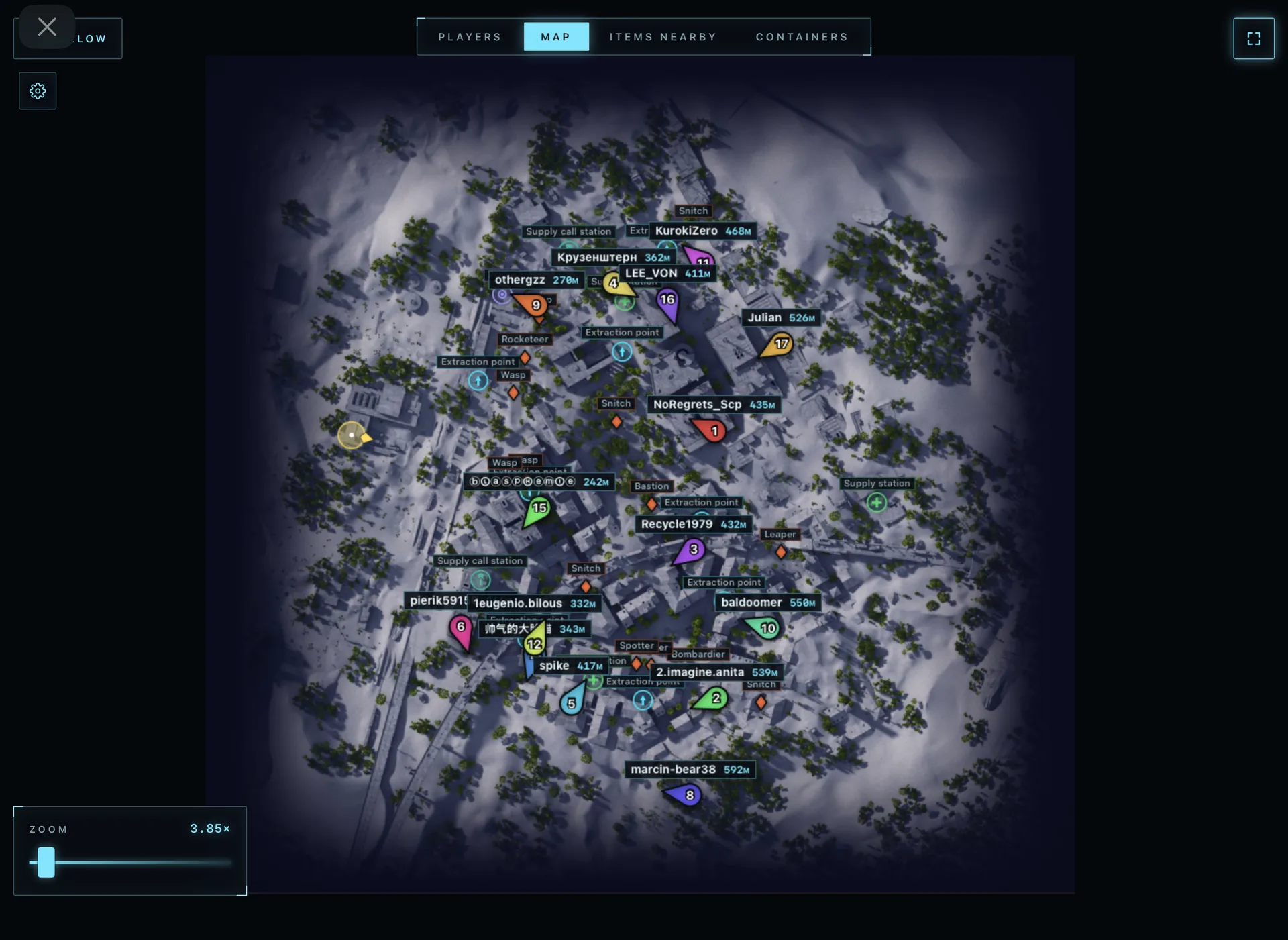
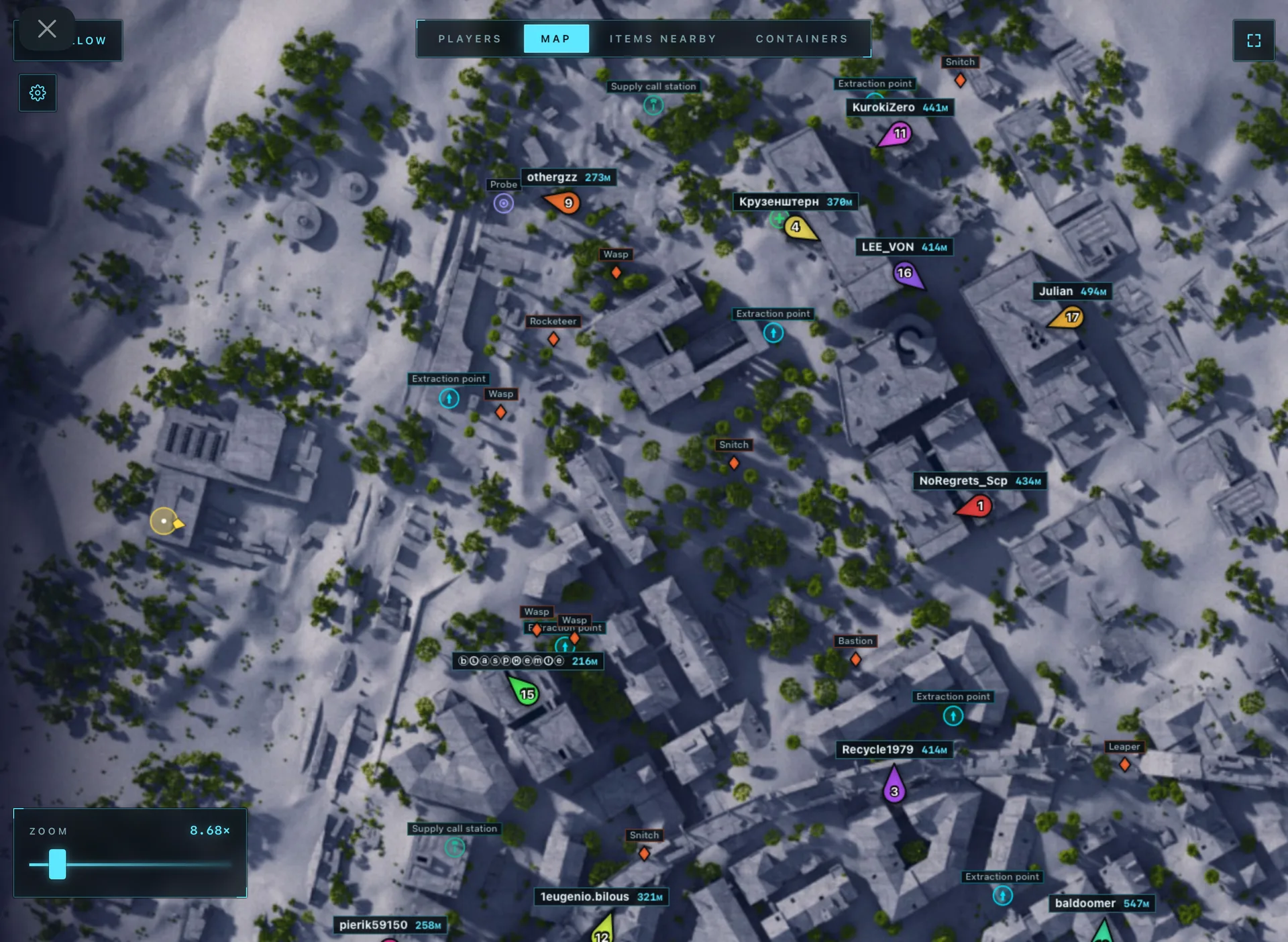
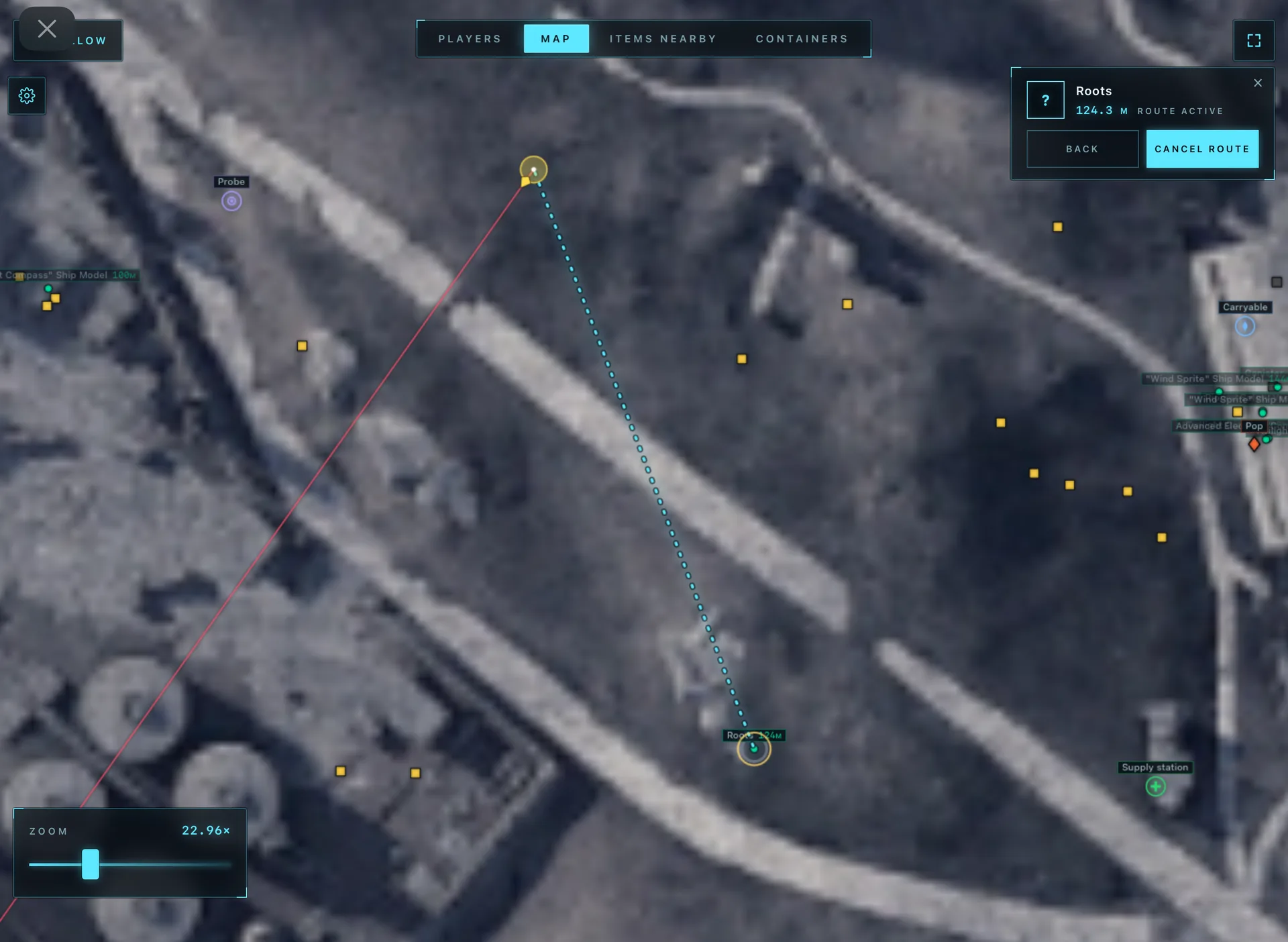
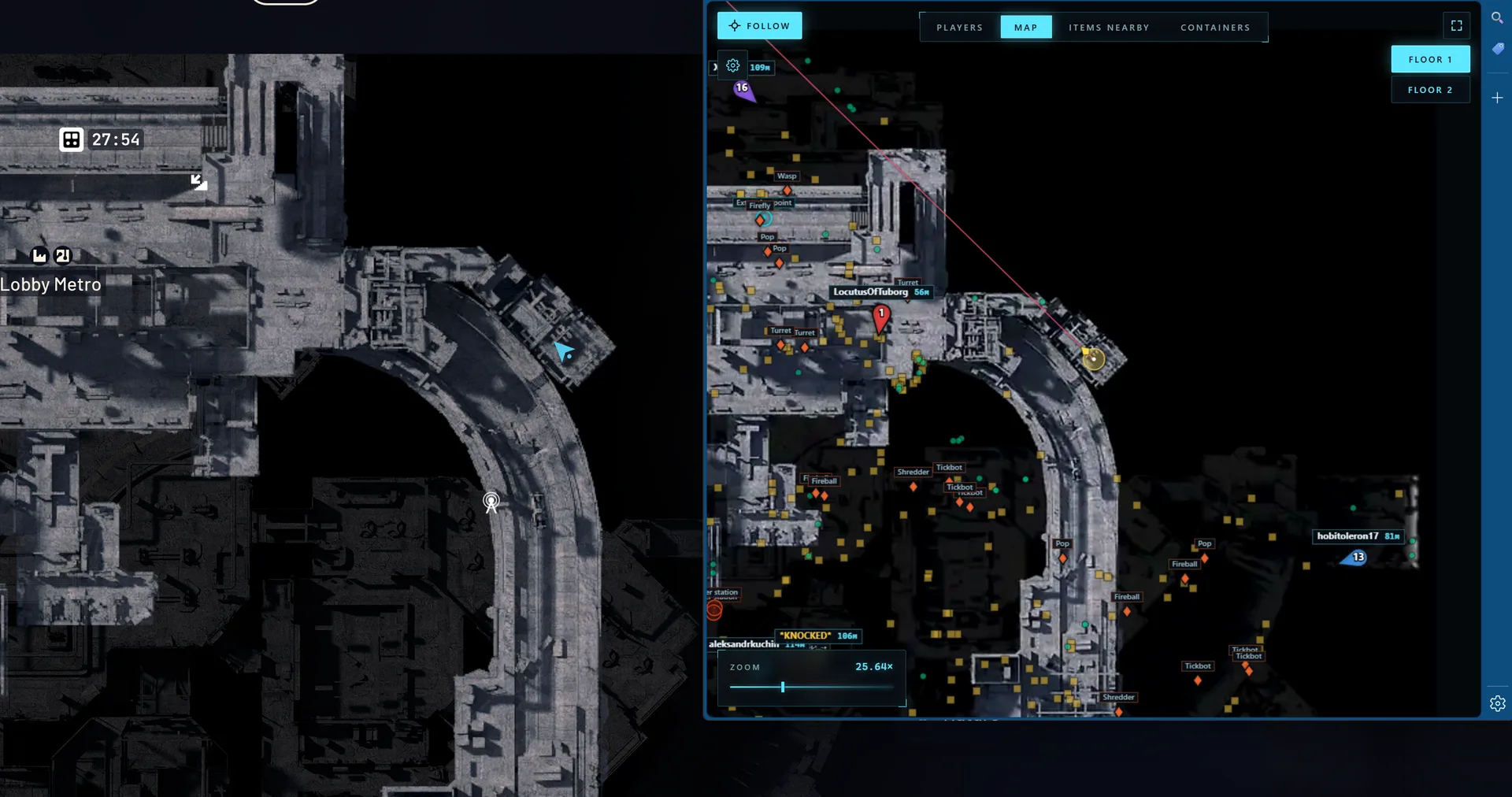
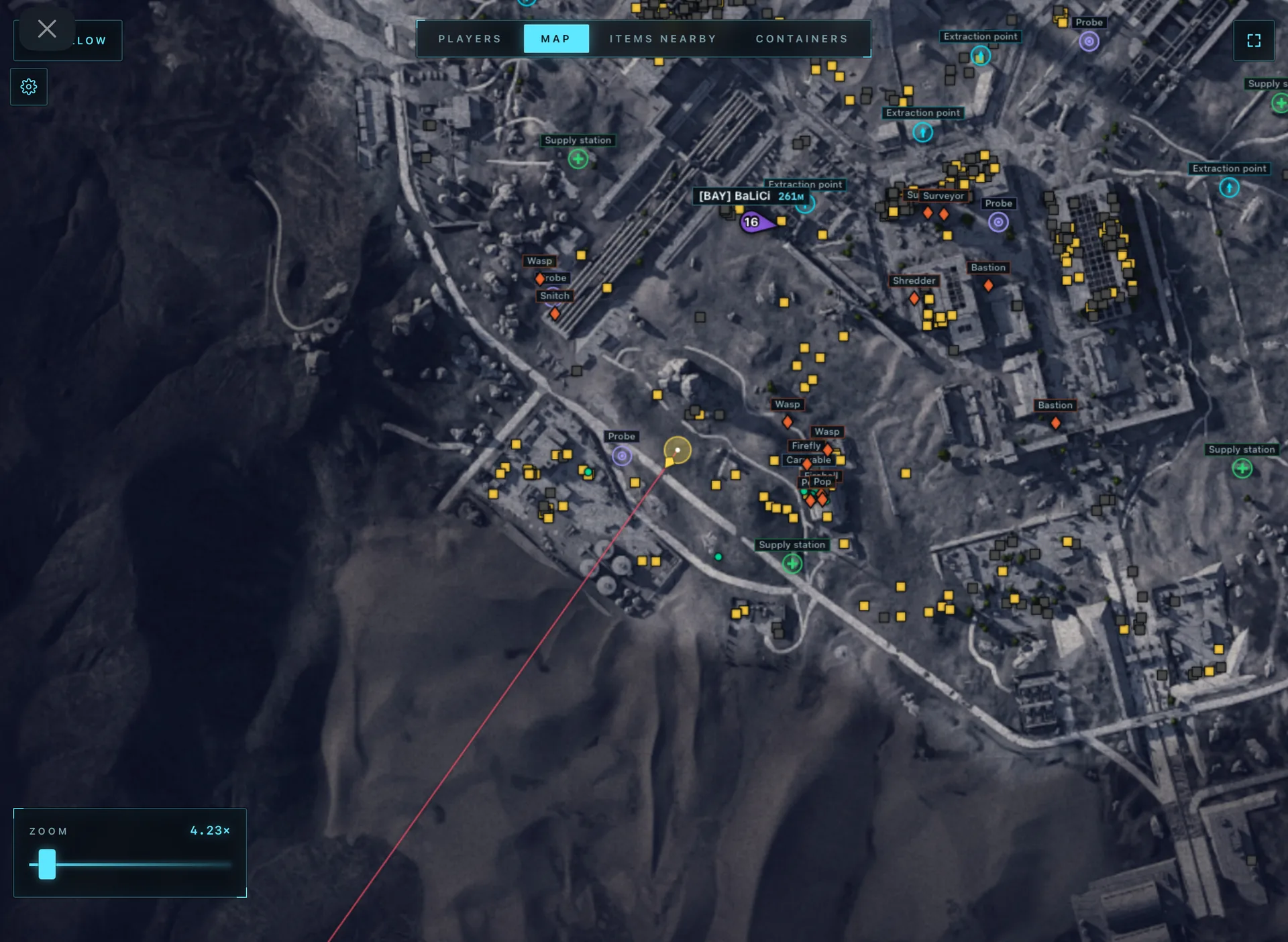
ARCANE Web Radar — web radar for ARC Raiders that works directly in your browser without installing any additional software. Track players and their teams, ARC bots, containers, items and key map objects (extraction points, supply stations, power stations and more) in real time. Convenient tables with player list, nicknames, weapons, health and distance, plus nearby item and container search with routing to the chosen target. Support for Steam, Xbox and Epic Games versions. Easy to use — everything works through the browser.
Purchase Arcane cheat for ARC Raiders Web Radar online on our website
Global format keys. Work all over the world.
System Requirements
•Supported game version: Steam, Xbox, Epic Games
•Supported game mode: Windowed / Borderless / Full-screen
•Supported CPU: Intel and AMD
•Supported GPU: All
•Minimal RAM: 12 GB
•Supported OS: Windows 10-11 x64
•Supported builds: everything from 1903 to last one
Program Features
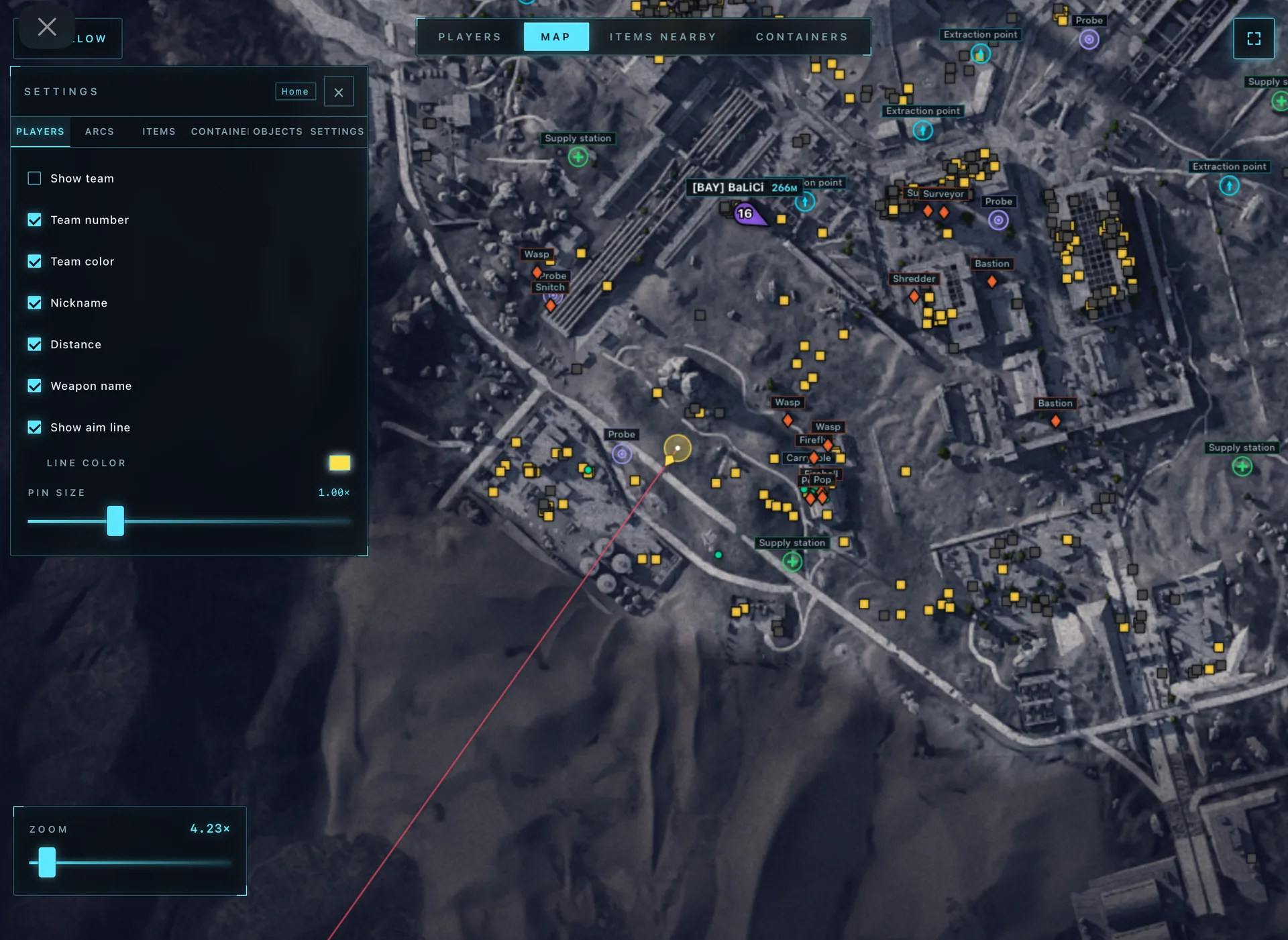
[ Players ]
- •Show team (the ability to display all team members or only specific ones)
- •Team number
- •Team color
- •Nickname
- •Distance
- •Weapon name
- •Show aim line
- •Players size
[ Container ]
- •Show containers
- •Hide opened
- •Show name
- •Show distance
- •Font size
- •Opacity
- •Types selector
—— Types ——
- •Extraction Points
- •Supply Call Station
- •Supply Station
- •Power Station
- •Probe
- •Mine
- •Quest
- •Carryable
- •Grenade
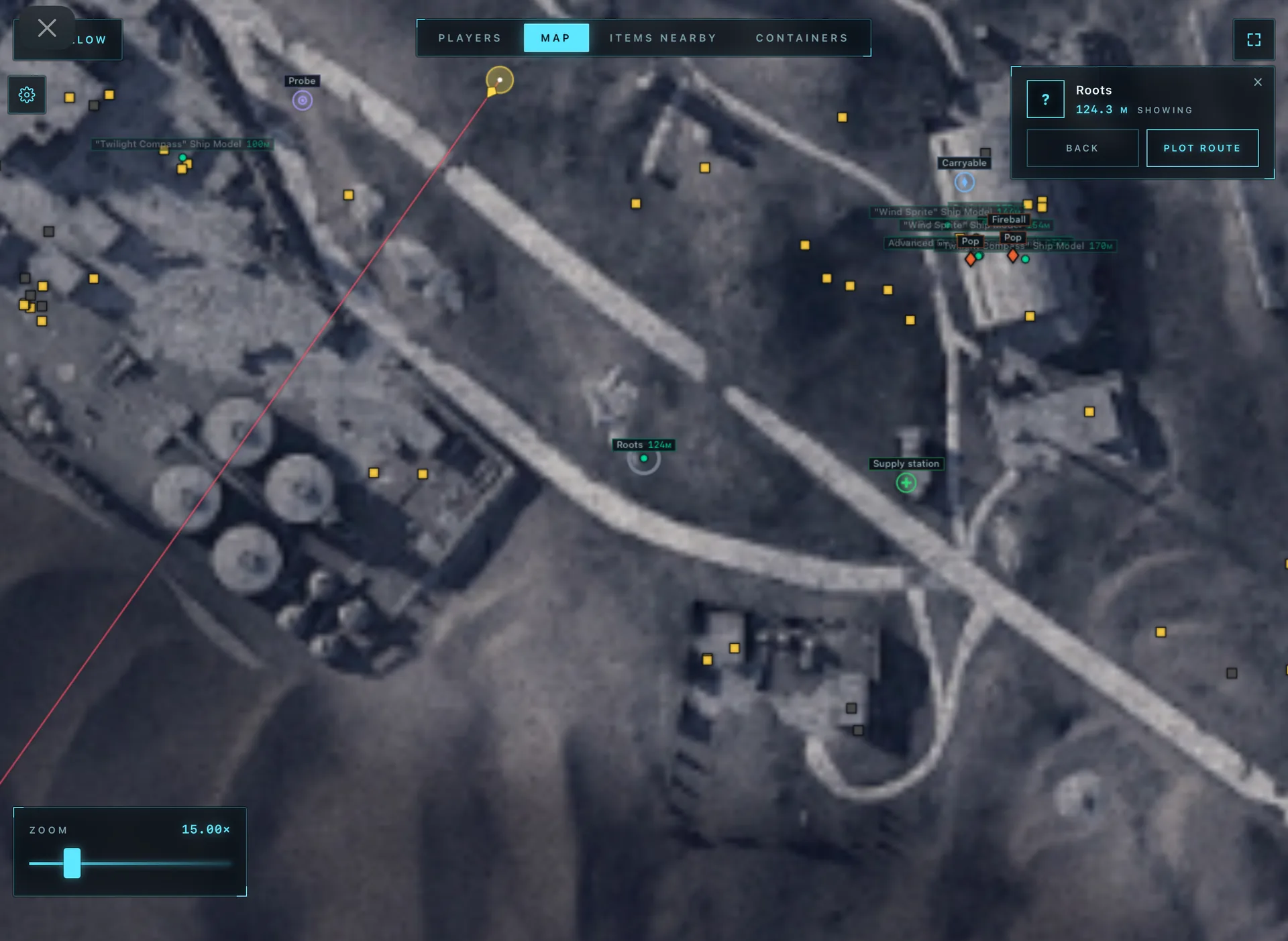
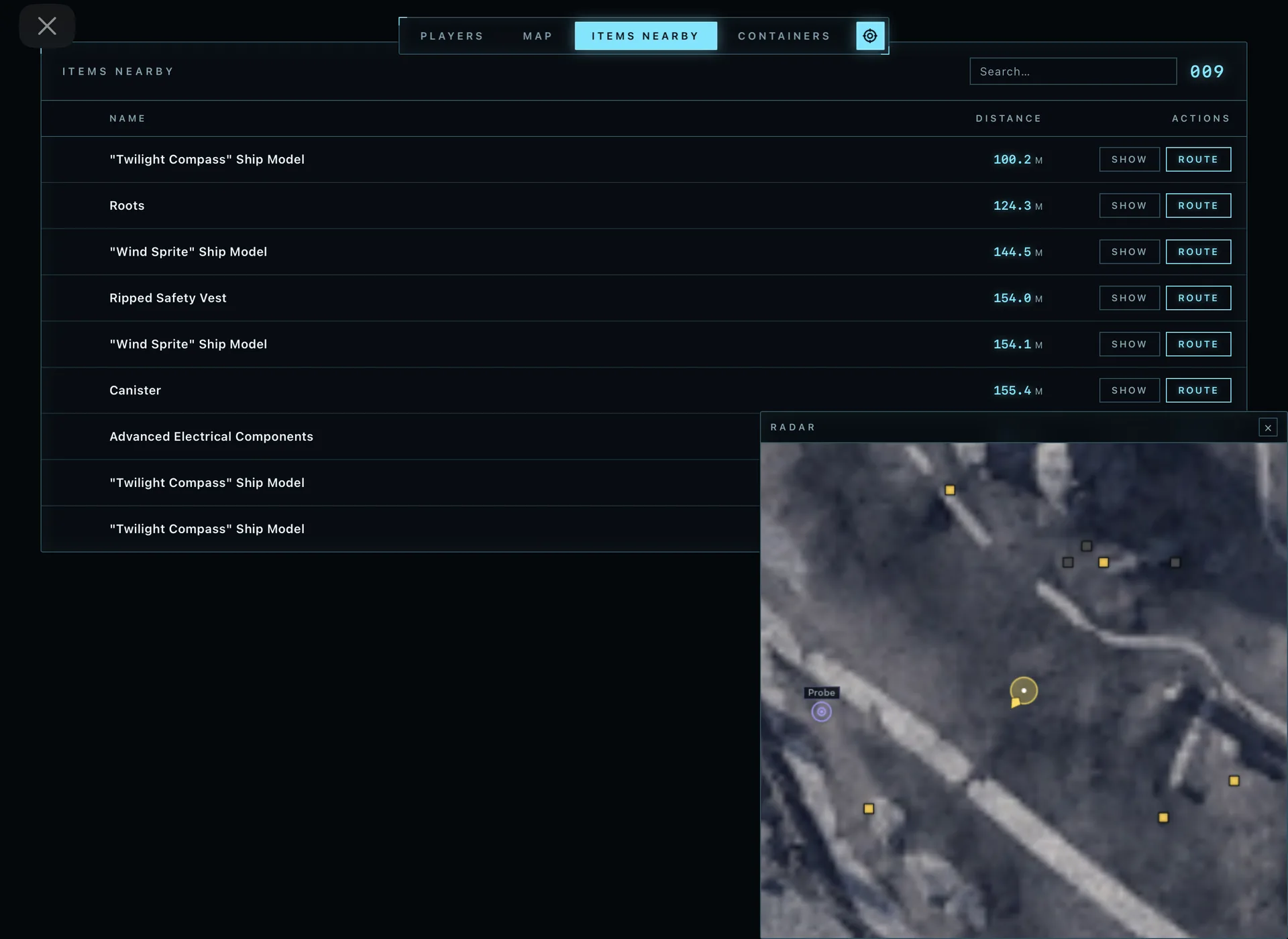
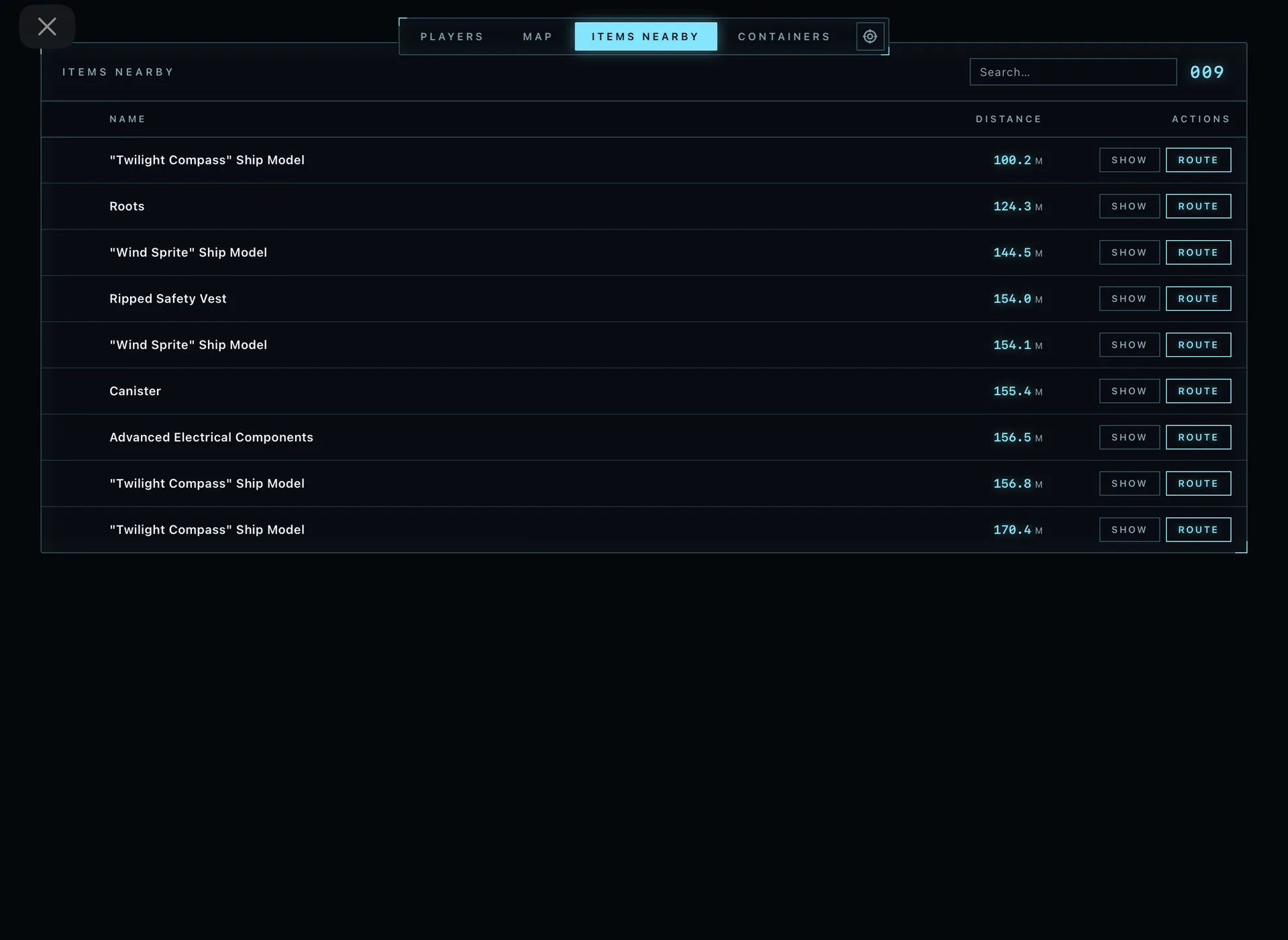
[ Items Nearby Table ]
- •Search for nearby items
- •Name
- •Distance
- •Actions: (Show item, Route to item)
[ ARCs ]
- •Show ARCs
- •Show name
- •Show distance
- •Font size
[ Items ]
- •Show items
- •Show name
- •Show distance
- •Font size
- •Opacity
- •Category selector
[ Objects ]
- •Show name
- •Show distance
- •Font size
- •Opacity
[ MISC ]
- •Show aim line
- •Auto-Scaling
- •Follow local player
- •Ability to follow specific team member
[ Global Player Table ]
- •Team number
- •Name
- •Weapon
- •Health
- •Distance
- •Actions: (Show, Route)
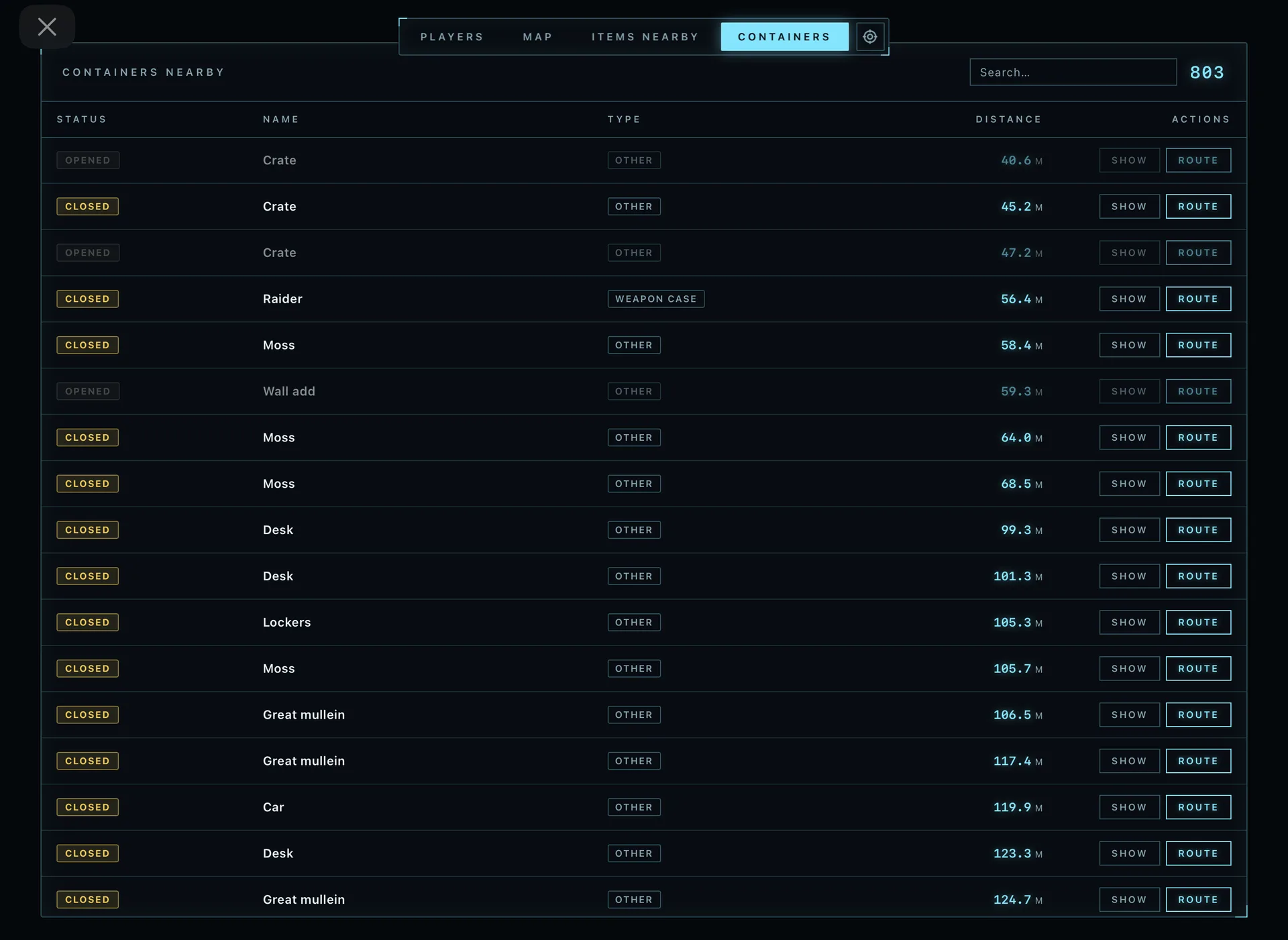
[ Containers Nearby Table ]
- •Status
- •Name
- •Type
- •Distance
- •Actions: (Show container, Route to container)
Game Screenshots